Importing a #PowerShell Data File with Code
Published on 17 May 2016Tags #PowerShell #Desired State Configuration #PSDSC #DSC #pester
In a previous post, I demonstrated how pester can be used for writing unit tests checking configuration data for PowerShell Desired State Configuration. I assumed that the data structure for configuration data was already present in memory. In real life, the environment data contained in configuration data is stored in a file. Therefore, I will show you how to load data structures from a file with and without code.
PowerShell Desired State Configuration requires a data structure called configuration data. This is nothing more than a hash with a key called AllNodes which is an array of hashes each representing a node to be configured using DSC:
@{
    AllNodes = @(
        @{
            NodeName = 'DSC-01'
        }
        @{
            NodeName = 'DSC-02'
        }
    )
}
This data structure can be stored in a PowerShell data file (with the extension PSD1) to be imported using the cmdlet Import-PowerShellDataFile. Unfortunately, this cmdlet is written to safely import data structures which excludes using code. The following data structure will fail to import:
PS> Get-Content -Path '.\data.psd1'
@{
    AllNodes = @(
        @{
            NodeName = 'DSC-01'
        }
        @{
            NodeName = 'DSC-02'
        }
    )
    NonNodeData = @{
        Source = (Join-Path -Path 'a' -ChildPath 'b')
    }
}
The above data file causes the following error:
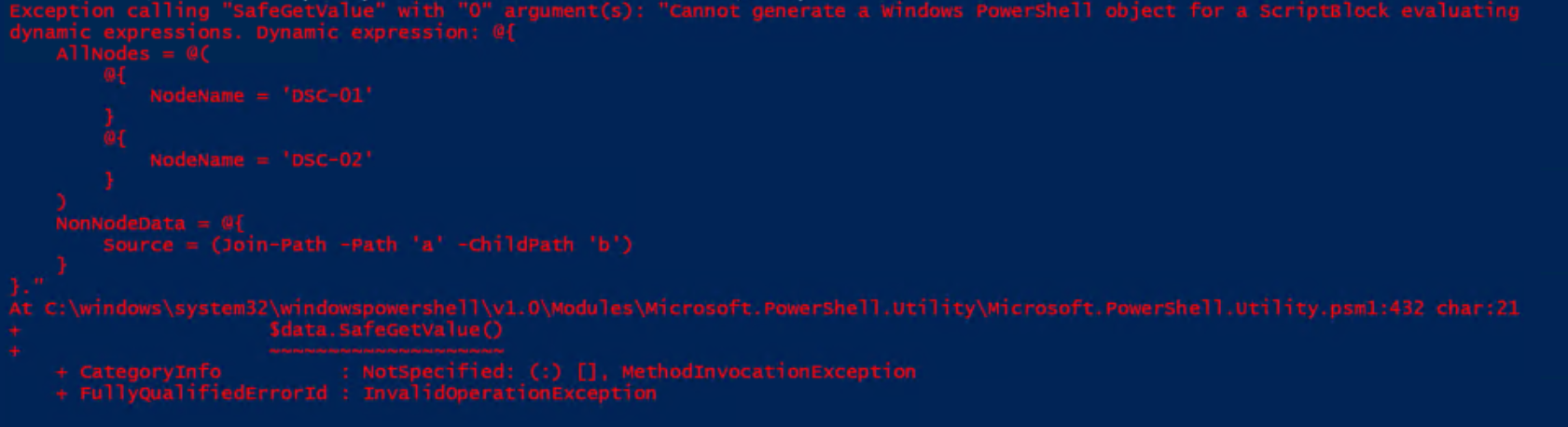
This data structure can only be imported from a regular PowerShell file with the extension PS1 using the following command:
$data = $(. '.\data.ps1')
Data structures containing code can be imported from any type of file using the following expression.
$data = Invoke-Expression -Command (Get-Content -Raw -Path '.\data.psd1')
You need to be aware that there is a reason for preventing code to be executed when importing data structures from a file because it can lead to malicious code execution.